
A visible centre to the scene
A patrol, argument, festival preparation or mishap gives you something concrete to describe. Review its detail before placing it in the street.
The city has something happening
A cart blocks the square. Voices rise at a stall. The watch moves through the crowd. Roll a street scene, read its layers and decide how the party responds.
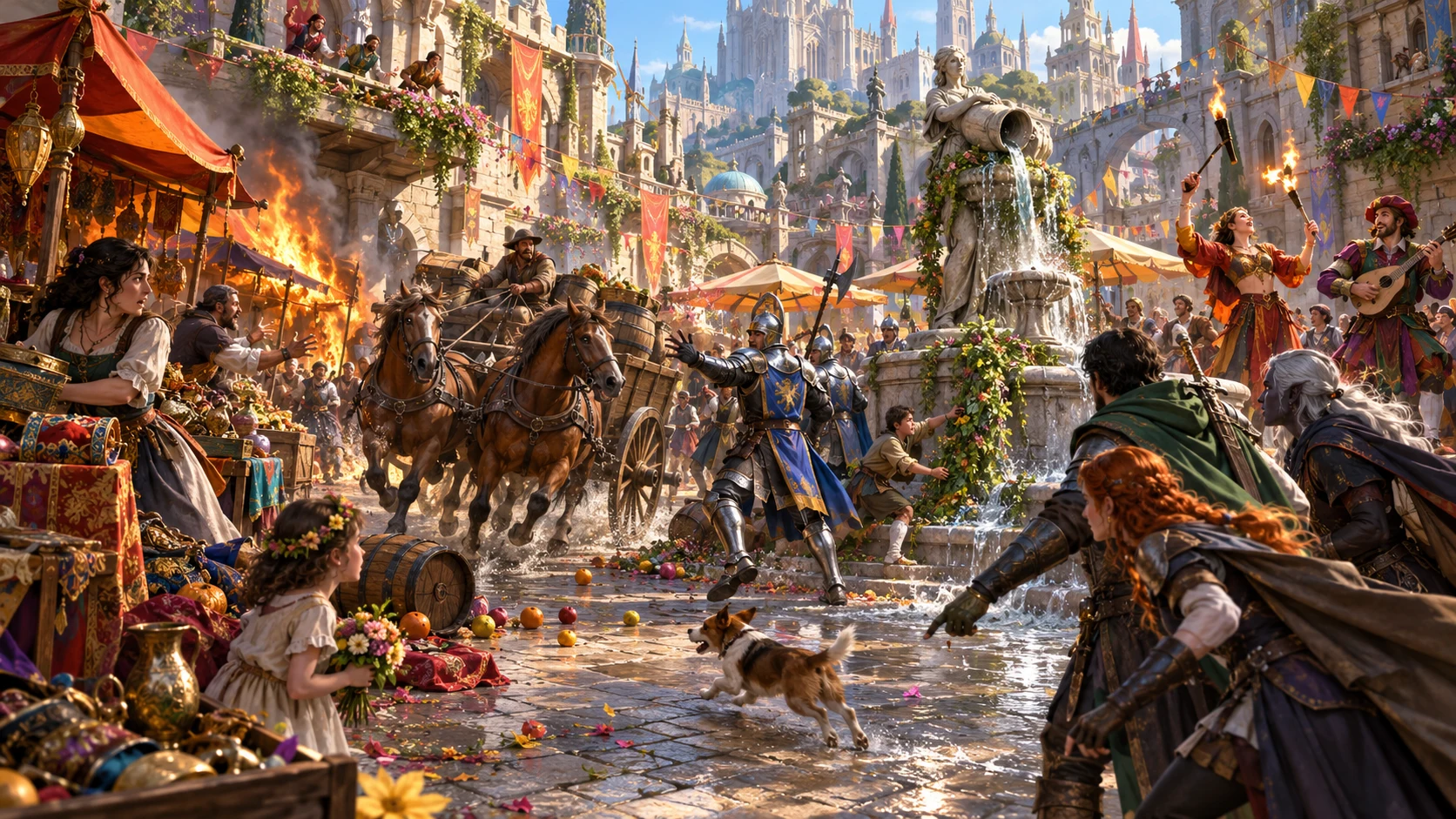
Activity beyond the party
Use a compact event during travel, waiting or observation. Decide whether it stays in the background or becomes part of the session.
A patrol, argument, festival preparation or mishap gives you something concrete to describe. Review its detail before placing it in the street.
Different participant groups give the moment a social context. Decide their identities and motives yourself rather than treating the labels as complete NPCs.
A mood comes with a visible description, such as gathering tension or hurried dispersal. Fit those signs to the place and the people involved.
The hook suggests a way to draw attention. The party can engage, observe or move on; you decide what the ignored consequence means in your campaign.
Look at the place first
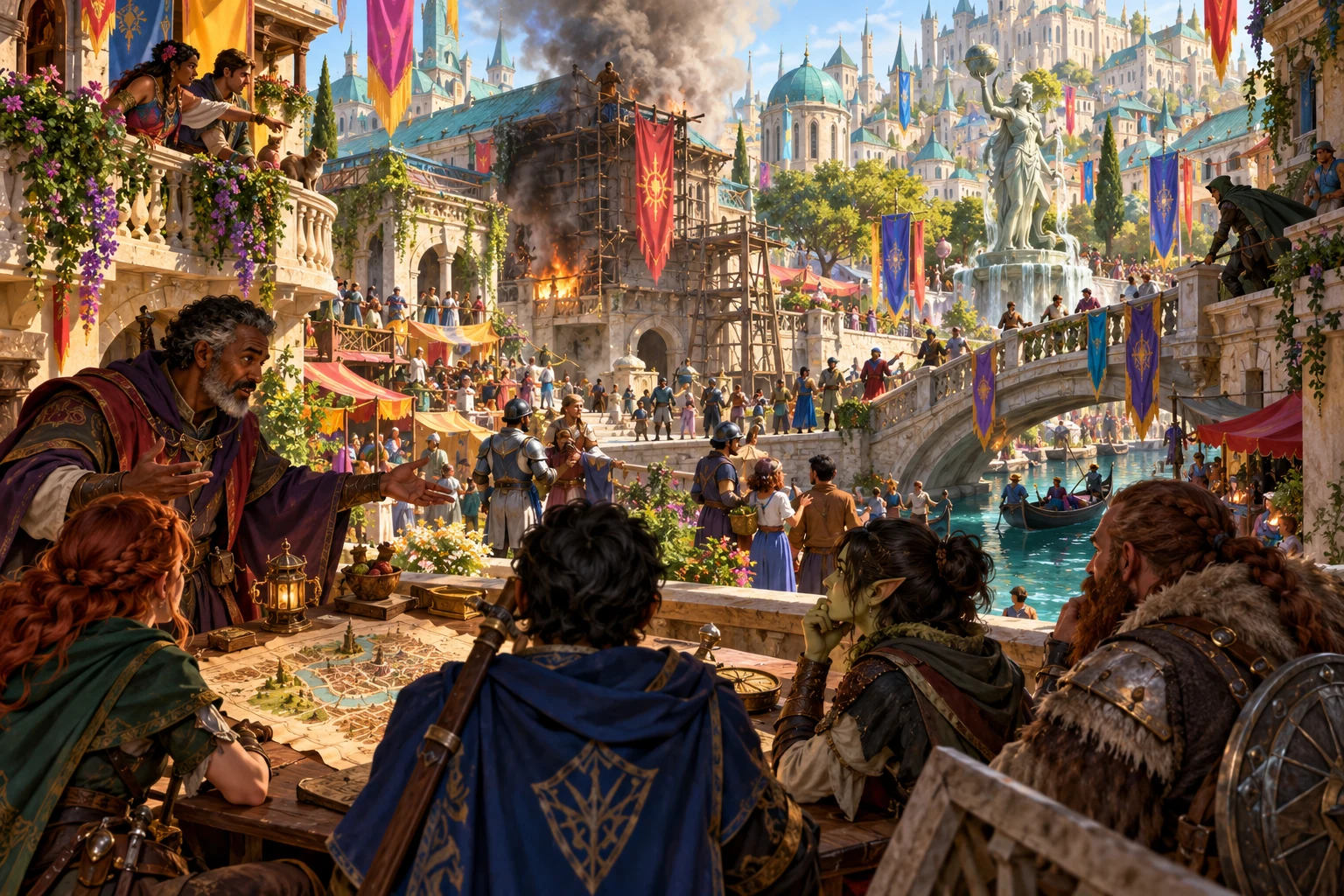
The illustration shows a party considering a district map while a building burns across the canal. Establish what they can actually see.
Choose the district, time and mood that suit the moment. Pin an event type if a specific kind of activity belongs there.
Read the participants, detail, hook and undercurrent together. They are selected material, rather than a reading of your campaign.
Adapt unfamiliar groups and past-action references before play. Decide which information belongs in the open and which remains behind the scene.
From a roll to a scene
A few choices guide the result while your judgement gives it continuity.
Choose the event type, district, time or mood. Leave a field blank when you want the generator to select it.
Read the visible detail, atmosphere and participant groups. Use the shown seed with the same choices when you want to repeat that result.
Review the undercurrent and possible escalation before presenting the hook. Decide what the characters can discover and what might happen next.
Save the event on this device or copy the narrative into your notes. Remove hidden information from copied text before sharing it with players.
What the tool provides
Use the current choices, narrative output and local saved list.
Pin a patrol, market dispute, loose animal, public argument or another offered event. Random event types use the tool’s existing weighted selection.
Choose the market square, docks, temple district, artisan row or another offered district. Leave the choice blank to let the roll pick the location.
Choose a time of day and a mood, or leave either open. A visible atmosphere description helps you present the mood at the table.
The result names different groups involved in the scene. Decide who those people are, what they know and how they belong in your campaign.
Each event type supplies a descriptive detail and an escalation to consider if the party passes by. You decide how that suggestion unfolds.
Read a possible way into play beside the reason beneath the scene. Adapt quest or past-action references to the actual party before using them.
Generate with the same seed and choices to repeat a result. Reroll uses a new seed while retaining your selected event, district, time and mood.
Copy the complete narrative, including the undercurrent, into your own notes. Save an event manually on this device, then reopen or delete it.
Different moments in city life
These examples describe offered event types and their authored details. They do not force combat or apply campaign changes.
A vendor and customer argue over short weight, spoiled goods, a forgery or a changing price. Decide whose account is credible and how onlookers react.
The watch may check papers, seek someone by description, collect a toll or clear a wagon’s way. Decide why the patrol is present and what the party knows.
A pig, hound, carthorse or another animal scatters a crowd. Use the surrounding activity to decide what help is possible and who is affected.
Figures pass a wrapped package, note or purse and part quickly. Establish whether the party notices and what evidence they can investigate.
Several layers, one moment
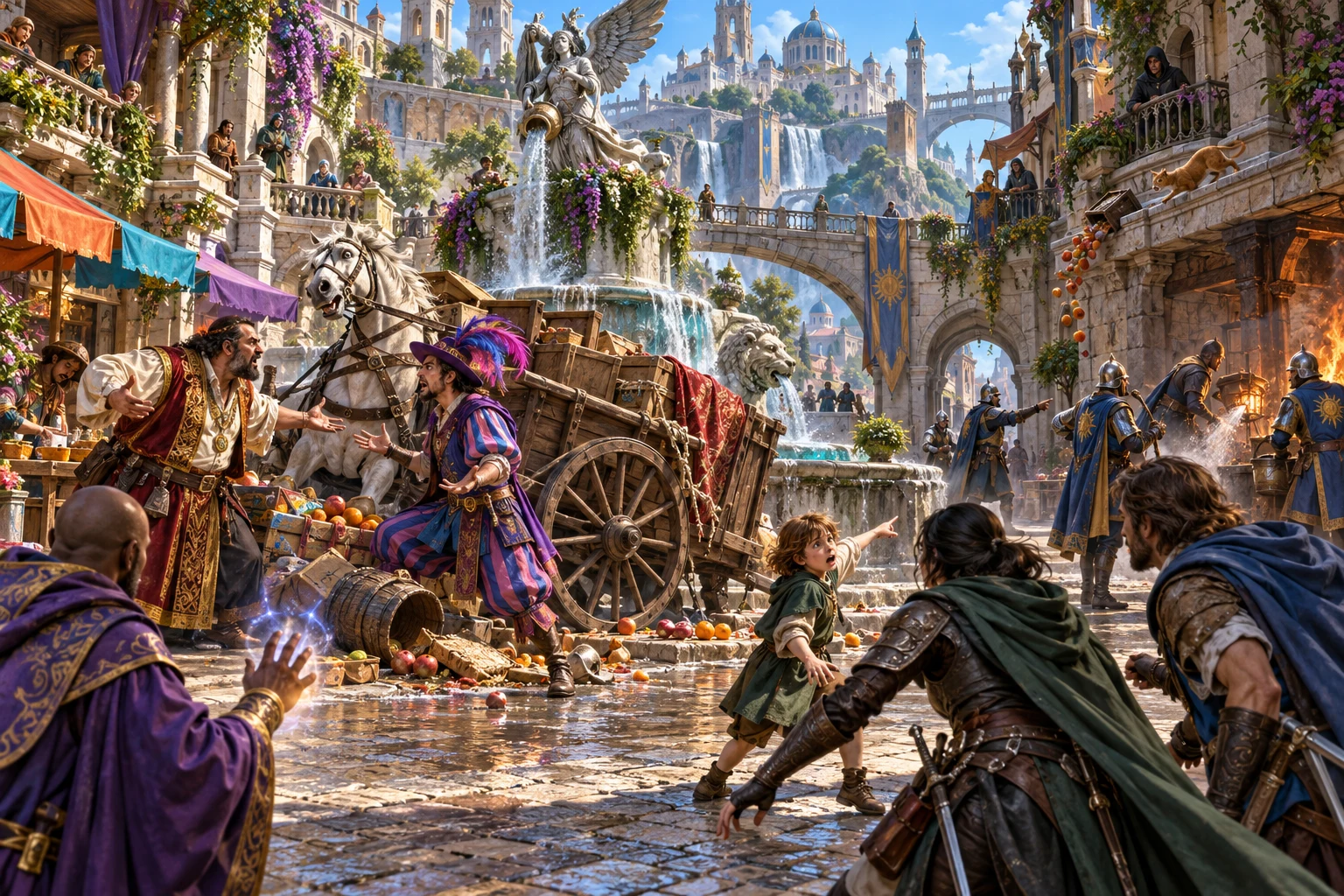
The illustration shows a spilled cart, an argument and a nearby fire, with the party considering the scene.
The result includes place, time, participant groups, mood, atmosphere, detail and an ignored consequence.
The hook suggests an opening; the undercurrent offers a hidden possibility. Decide whether either belongs in your campaign.
Copy includes the undercurrent and suggested consequence. Remove hidden information before sharing text with players.
Keep the choices that fit
Check your choices and seed before generating so the result changes as intended.
Keep an event type or district selected while leaving other fields open. The selected values are retained when you reroll.
The same seed and choices produce the same selected result. Changing a choice can alter other draws, so retain the complete setup when comparing scenes.
New changes the seed field. Press Generate event to use it. Use a positive whole-number seed within the supported range.
Reroll selects a new seed and generates another event with your existing choices. Read the entire result again before using it.
Keep records deliberately
Understand the saved list and copied text before relying on them during play.
Each manual save creates a separate local record. The Saved tab offers Open and Delete. There is no account synchronisation or automatic saving.
Open restores the saved event, not the current selectors or seed field. Review those controls before another generation. Recent event summaries are temporary session history.
The copied narrative includes the hidden undercurrent. Remove hidden information and future developments before sharing it. The seed and saved metadata are not copied.
There are no download or import controls and no direct Combat PRO transfer. Record people, consequences and encounters in the tools or notes you use for your campaign.
Choose access for your toolkit
Urban Event Generator is a paid standalone tool. Create a free account first, then review your selection and subscription.
Select Urban Event Generator individually. Creating a free account does not by itself include paid generator access.
Choose a five-generator pack for eligible standalone tools alongside this one. It provides selection capacity, rather than automatic access to every VISINVOKE product.
Review larger selected-generator packs in your account. Check generators, subscription and reselection terms before choosing your toolkit.
Combat PRO, Battlemaps and image systems have their own access models. Standalone generator subscriptions do not include image or animation credits.

Generate activity when a street or square needs something happening.
Read the visible moment, hook and undercurrent before deciding what fits.
Start Here and How Do I cover generation, choices and local saves.
The prompt does not start combat or rewrite campaign state. Decide what changes through play.
Build your tabletop toolkit
Each card opens that product’s own website. Review purpose and access separately; related products do not promise included access or automatic synchronisation.

Discover and open your supported Windows products through one connected VISINVOKE account.

Explore environment packs for tactical locations and the places your encounters unfold.
Review prepared opposition, tune creature statistics and run tabletop encounters with its own access.
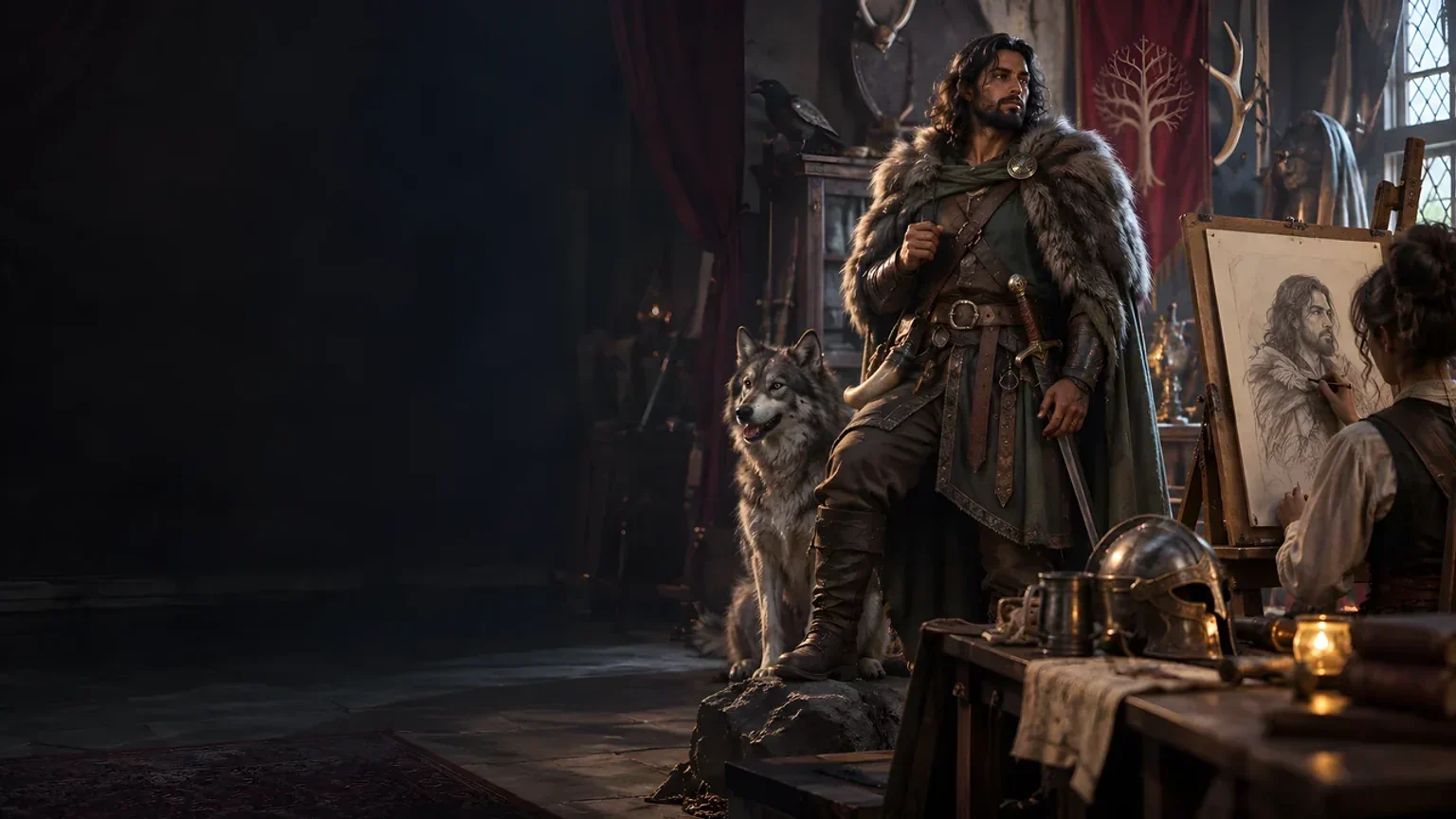
Create focused character, monster, item and location images to complement your tabletop preparation.

Create guided commercial visuals for websites, brochures and wider creative projects.
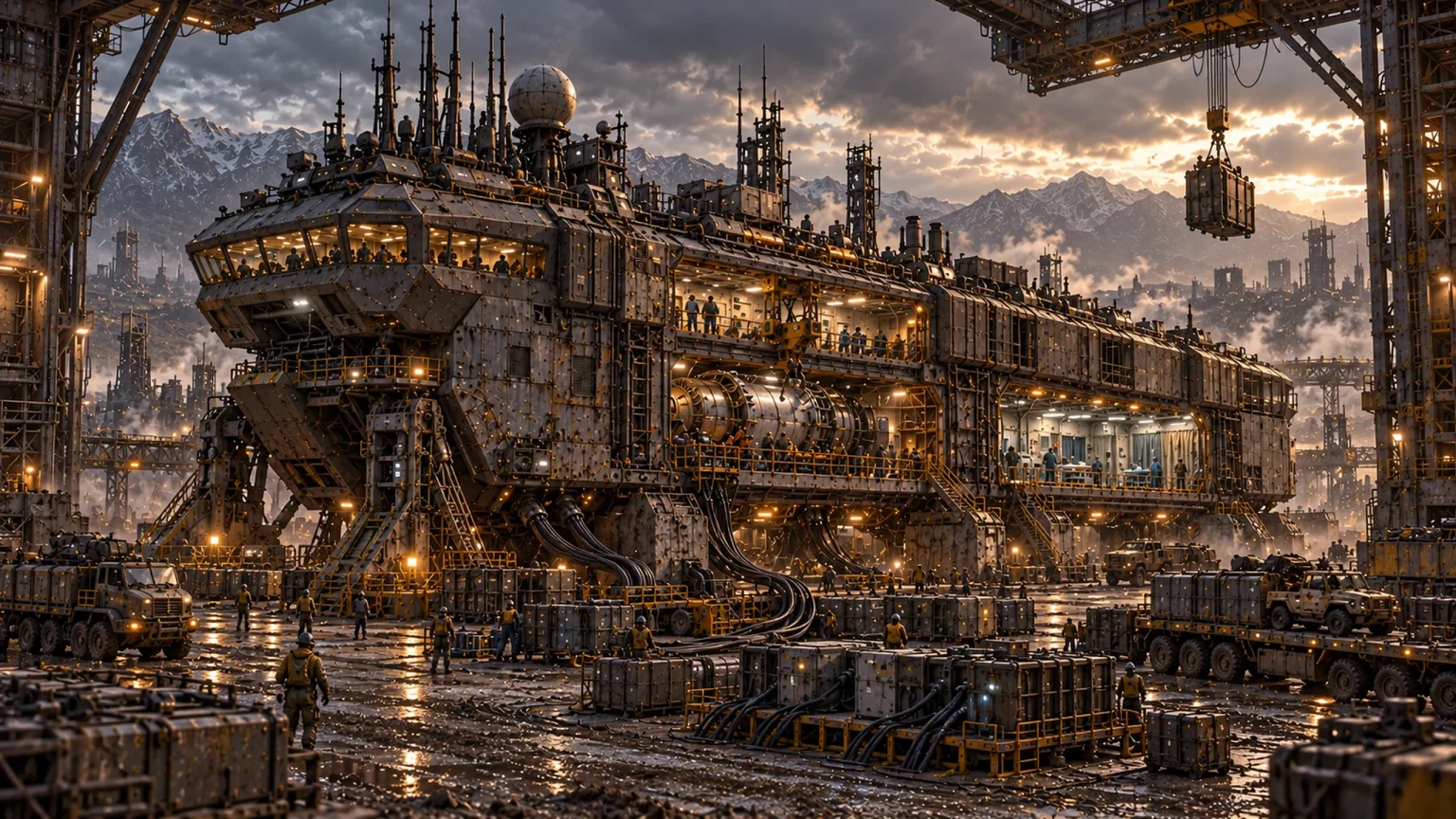
Explore a separate futuristic RPG experience with its own world, characters and progression.
Product artwork illustrates urban scene situations, not application screens or actual generated image output.
Quick answers
Understand the scene and the limits of copying and local records before opening the tool.
It rolls a street scene with an event type, district, time of day, two distinct participant groups, mood and visible atmosphere, descriptive detail, an ignored consequence, a player hook and an undercurrent. Choose from the offered controls or leave them blank. The result is material for your judgement; it does not read your campaign, assign named NPC goals or guarantee that every independently selected part fits together.
Pin the event type, district, time of day and mood. Leave any of them blank for random selection. You cannot enter a custom settlement description or set urgency, scale, weather, named participants or calculated routes through the current controls. Review the complete scene and adapt it yourself.
Use a positive whole-number seed from 1 to 4,294,967,295. The same seed and the same choices repeat the selected event. New changes the seed field; press Generate event to use it. Reroll immediately generates with a new seed and retains the other choices. A seed alone does not preserve a result if you change those choices.
Save creates a separate record in this Windows device’s application data. The Saved tab offers Open and Delete. Open restores the saved event, but not the current selectors or seed field; check those controls before generating again. There is no account synchronisation, automatic saving, search, tagging, renaming, editing, archiving or version history. Recent event summaries are temporary session history, not saved records.
Review it first. Copy includes the undercurrent as well as the detail, participant groups, mood, hook and ignored consequence. Those parts can reveal hidden information or future developments. Remove anything players should not know in your own notes before sharing. The copy omits the seed and saved metadata, so it is not a complete backup.
The current tool provides text copying and local event records. It has no download or import controls and no direct Combat PRO transfer. Use suitable material in your own preparation, then apply any encounter or campaign changes yourself. Urban Event is a standalone paid generator; related products and image credits have separate access.
Continue in VISINVOKE
Create a free VISINVOKE account and choose the required generator access.
Get Desktop Command Centre from your account installer page. Sign in on Windows, then open Urban Event Generator.